Updated 25 Nov 2026. A highly critical flaw in Drupal core can let an attacker use the site installer to take over a Drupal website. It was found by an AI code scanner, and Drupal’s security team has a report that it was being used against live sites about a day after the fix came out. Fixed versions are available now: every Drupal site owner should update.
At a glance
- What: a flaw in Drupal core’s installer file (install.php), tracked as CVE-2026-132165.
- Risk: under specific conditions, an attacker can use the installer to try to reinstall Drupal on a live site, which can lead to a site takeover or to the attacker running their own code.
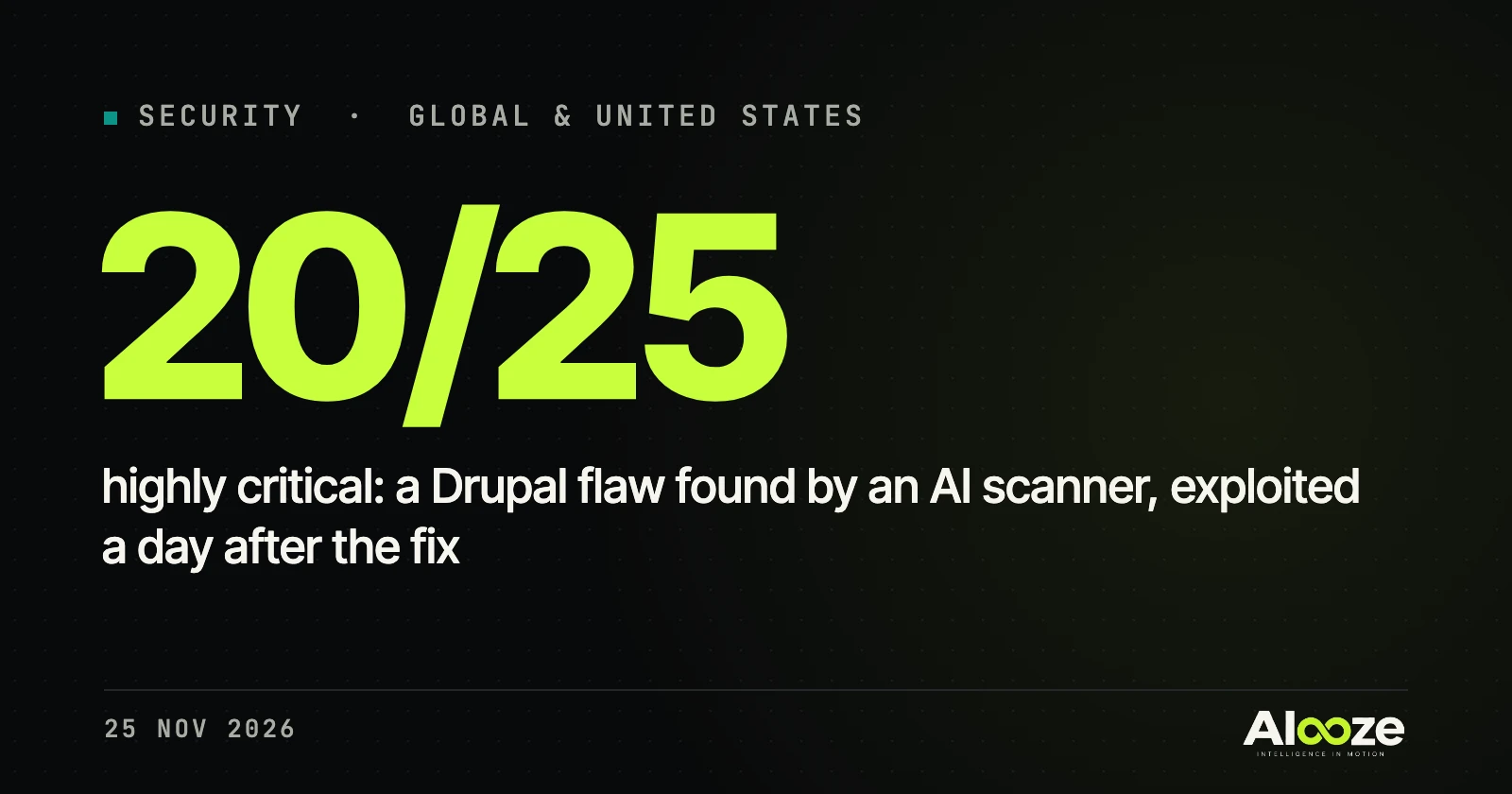
- Severity: Drupal rates it “Highly critical”, 20 out of 25. CISA lists it as a vulnerability known to be exploited.
- Fix: Drupal 11.4.13, 11.3.22 or 10.6.22.
- Who has to act: anyone who runs a Drupal website, or the agency or host that runs it for them.
1. The problem
On 18 November the Drupal Security Team published advisory SA-CORE-2026-017 for a remote code execution flaw in Drupal core. Drupal ships with an installer, install.php, that is used once to set up a site. Under specific conditions, the advisory says, an attacker can use it to attempt to reinstall Drupal, which “can lead to a site takeover or remote code execution”.
Affected versions are all Drupal releases before 10.6.22, Drupal 11.0.0 up to 11.3.21, and Drupal 11.4.0 up to 11.4.12. Some, but not all, attack paths are blocked if the web server cannot write to or change permissions on the site’s settings.php file.
On 21 November the team updated the advisory: it “has received a report this was exploited on live sites as early as 2026-11-19 19:00 UTC”. It does not say how many sites were hit. On 24 November the US Cybersecurity and Infrastructure Security Agency added the flaw to its list of known exploited vulnerabilities, giving US federal agencies until 27 November to act.
2. What it means, in plain words
What is Drupal?
Drupal is free, open-source software for building and running websites. It is widely used by universities, governments, charities and large organisations. Drupal core is the main package every Drupal site runs on.
What the installer has to do with it
When a Drupal site is first set up, a page called install.php walks you through creating the database and the first admin account. After that, the site never needs it again. This flaw means that, on some setups, an attacker can reach that installer on a finished site and use it to start the set-up process again, which can hand them control.
What “remote code execution” means for you
It means an attacker could run their own programs on the server that hosts your site. In practice that can mean changing or deleting pages, stealing data the site holds, or using the server to attack others.
Who is affected, and who is not
- Affected: Drupal sites on any version older than 10.6.22, 11.3.22 or 11.4.13, which includes every site on an end-of-life version (Drupal 11.2 and older, 10.5 and older, 8 and 9).
- Partly protected: sites where the web server cannot write to settings.php block some attack paths but not all. Sites using the paid Drupal Steward service are protected against the known attack paths, Drupal says, but should still update.
- Not affected: sites built on other software, such as WordPress, are not affected by this flaw.
- Visitors: people who only visit a Drupal site do not need to do anything. The risk is to the site and its owner, although an attacker who takes over a site controls what it shows.
The AI angle
The advisory credits the discovery to Anthropic’s OSS Scanner, an AI tool that searches open-source code for security flaws. Attacks were reported about a day after the fix was published. That fits a wider pattern: the EU cyber agency says AI is making flaws faster to find and exploit, and slow patching is the weak spot. Our Java4Shell alert was another AI-found flaw.
3. What to do
Step 1: Find out which Drupal version you run
Sign in to your site as an administrator and open Reports, then Status report (the address ends in /admin/reports/status). The Drupal version is listed near the top. If you do not have access, ask whoever built or hosts the site.
Step 2: Know which version fixes it
| Your version | What to do |
|---|---|
| Drupal 11.4.x | Update to 11.4.13 |
| Drupal 11.3.x | Update to 11.3.22 |
| Drupal 11.2.x and older | End of life, no security fixes: move to a supported version |
| Drupal 10.6.x | Update to 10.6.22 |
| Drupal 10.5.x and older | End of life, no security fixes: move to a supported version |
| Drupal 8 or 9 | End of life: move to a supported version |
Some hosts and managed platforms apply core updates for you or already block the installer. Check with them before assuming you are safe.
Step 3a: If an agency or host runs your site
Ask them directly. You can send this message:
Hello, on 18 November 2026 Drupal released a highly critical security fix for Drupal core (SA-CORE-2026-017, CVE-2026-132165), and the Drupal Security Team reports it has been exploited on live sites since 19 November. Can you confirm that our site has been updated to Drupal 11.4.13, 11.3.22 or 10.6.22 (or is being moved off an end-of-life version), and that access to core/install.php is blocked? Thank you.
Step 3b: If you run the site yourself
- Update Drupal core to the fixed version for your branch (see the table) using your usual update method.
- Run the database updates (drush updatedb or /update.php) and check the Status report shows the new version.
- Block access to the installer, as Drupal’s security team recommends. Drupal’s guide to securing the installer gives three ways: block /core/install.php in your Apache or Nginx configuration (recommended), block it in .htaccess on Apache, or remove the file. Do not block update.php by mistake.
- Check the block works: requests to /core/install.php should return a 403 or 404 response, not 200.
If you cannot update today
Drupal’s official advice is to follow the instructions for securing the Drupal installer straight away. Blocking install.php closes the route this attack uses, but it is a stopgap, not a fix: update as soon as you can. Making settings.php read-only for the web server blocks only some attack paths, so do not rely on it alone.
If you think you were attacked
If your site was on an affected version and the installer was reachable after 19 November, treat it as possibly compromised. Tell your host or IT supplier, and follow Drupal’s guide for sites that may have been hacked.
Sources
- Drupal Security Team, SA-CORE-2026-017, 18 Nov 2026, updated 21 Nov
- Drupal.org, Securing the installer (install.php), updated 21 Nov 2026
- CISA, Known Exploited Vulnerabilities Catalog, CVE-2026-132165, added 24 Nov 2026