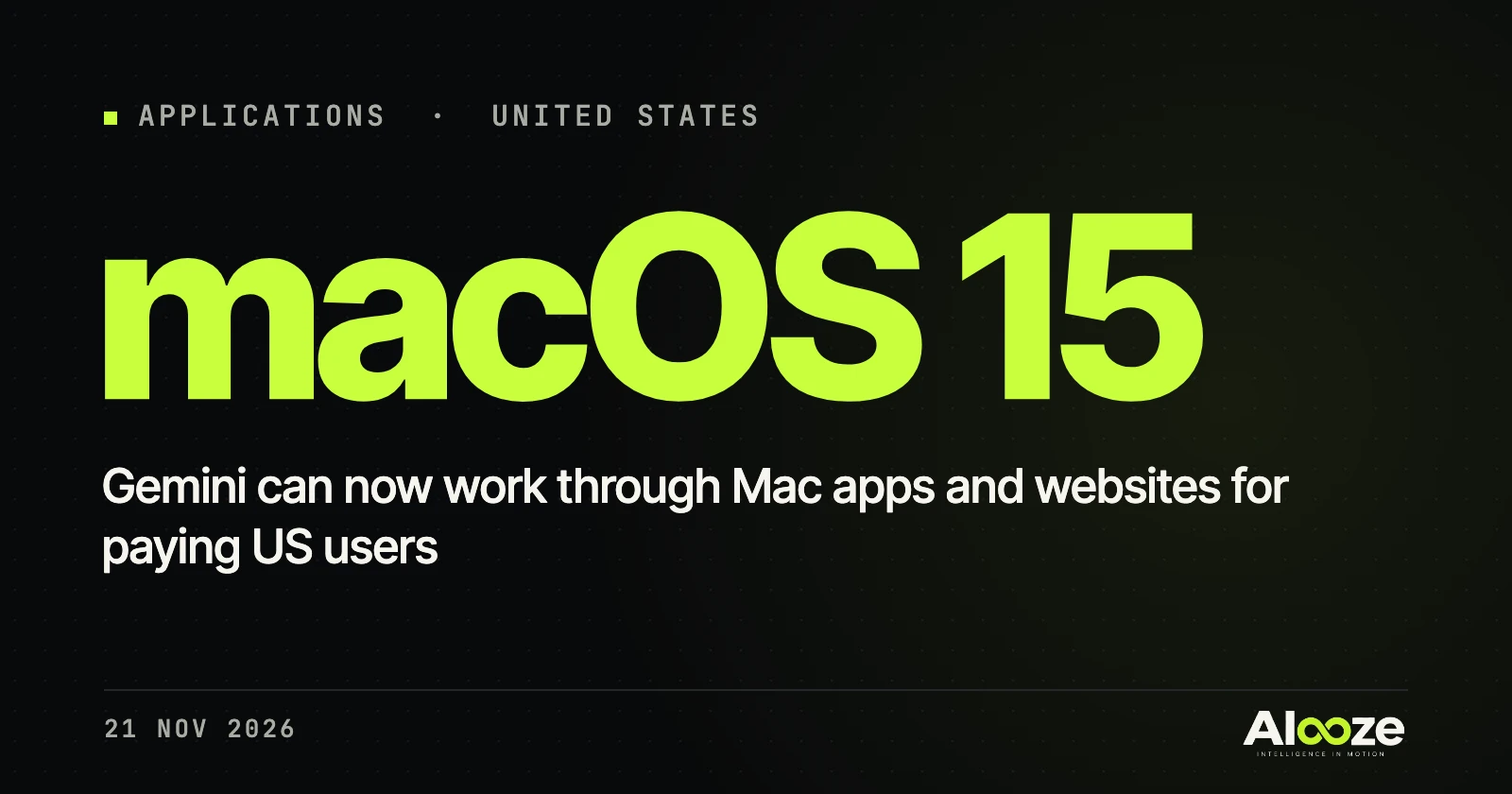
Google’s Gemini assistant can now operate apps and websites on a Mac to complete multi-step jobs, such as filling in forms or moving information between programs. Google announced the feature, called computer use, on 19 November. It says Gemini handles “the clicking, typing, menus, and forms” across local files, desktop apps and the web.
The work happens “inside an isolated background window with a live preview right in your chat”, so you can carry on using the computer. Google says you choose which apps Gemini can reach, can watch every step, can pause at any time and can “approve key actions before they happen.”
It is rolling out in English in the US to people aged 18 and over with a personal Google account on a paid Google AI Plus, Pro or Ultra plan. It needs an Apple Silicon Mac running macOS Sequoia 15 or later.
AI agents that act on your computer, rather than only chat, are moving into mainstream consumer apps. That can save time on repetitive chores, but it also means giving an AI access to your files and accounts. Security researchers warn that agents with wide permissions can be misled by malicious web pages, so it is worth granting access app by app and checking each step before you approve it.